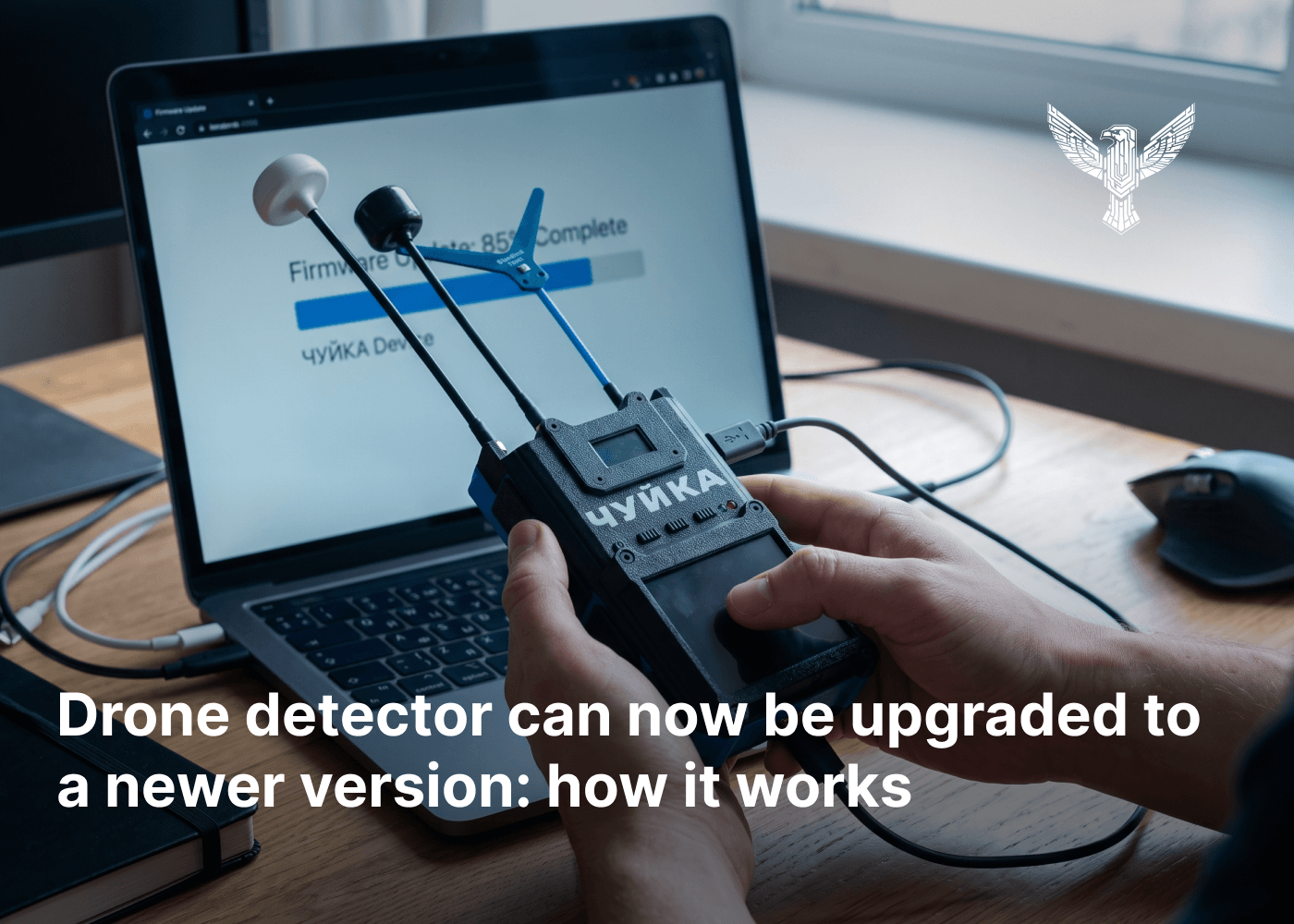
BlueBird Tech is officially launching a large-scale upgrade program for owners of the “Chuyka 3.0” drone detector. Instead of replacing their devices with new ones, users can now upgrade them and expand their frequency capabilities.
After the upgrade, “Chuyka 3.0” receives a fourth frequency band covering 6–8.8 GHz. The 3.3 GHz band is also expanded: previously, it operated within 2870–4080 MHz, while after the upgrade its range increases to 2860–4500 MHz. This means the device can detect a broader frequency spectrum and operate across four frequency bands instead of three.
How the BlueBird Tech “Chuyka 3.0” upgrade works
This is not an exchange of an old device for a new one. If needed, users can send their “Chuyka 3.0” to the BlueBird Tech team. Engineers install an additional module for the new frequency band, a corresponding antenna and battery, as well as upgrade the existing 3.3 GHz module and antenna.
After the upgrade, the owner receives the same “Chuyka 3.0” device back, but with expanded specifications.
“We are giving users the opportunity to expand the capabilities of the device they already use, without having to purchase a new one,” BlueBird Tech representatives said.
The “Chuyka 3.0” drone detector upgrade is available for devices purchased from April 2026 onward, specifically version 1.3.8. However, engineers are already working on making the upgrade available for other versions of “Chuyka 3.0” as well.
Priority is given to military personnel who use the drone detector on the front line.
The estimated upgrade time is up to two weeks.
How to send your BlueBird Tech “Chuyka 3.0” for an upgrade
Users can sign up for the upgrade through the BlueBird Tech mobile app or by contacting the company’s managers.
In the app, you need to:
- Open the “Chuyka” widget and select “Upgrade your Chuyka.”
- Tap “Upgrade Chuyka.”
- Enter the serial number of your “Chuyka 3.0,” which can be found on the back of the device.
- The system will then check the device and its board version.
- If the device is eligible for the upgrade, enter your name and phone number.
- The request will then be added to the upgrade queue.
Once the request has been submitted, users can check their position in the queue and the status of their request in the app. A manager will contact the user when it’s their turn.