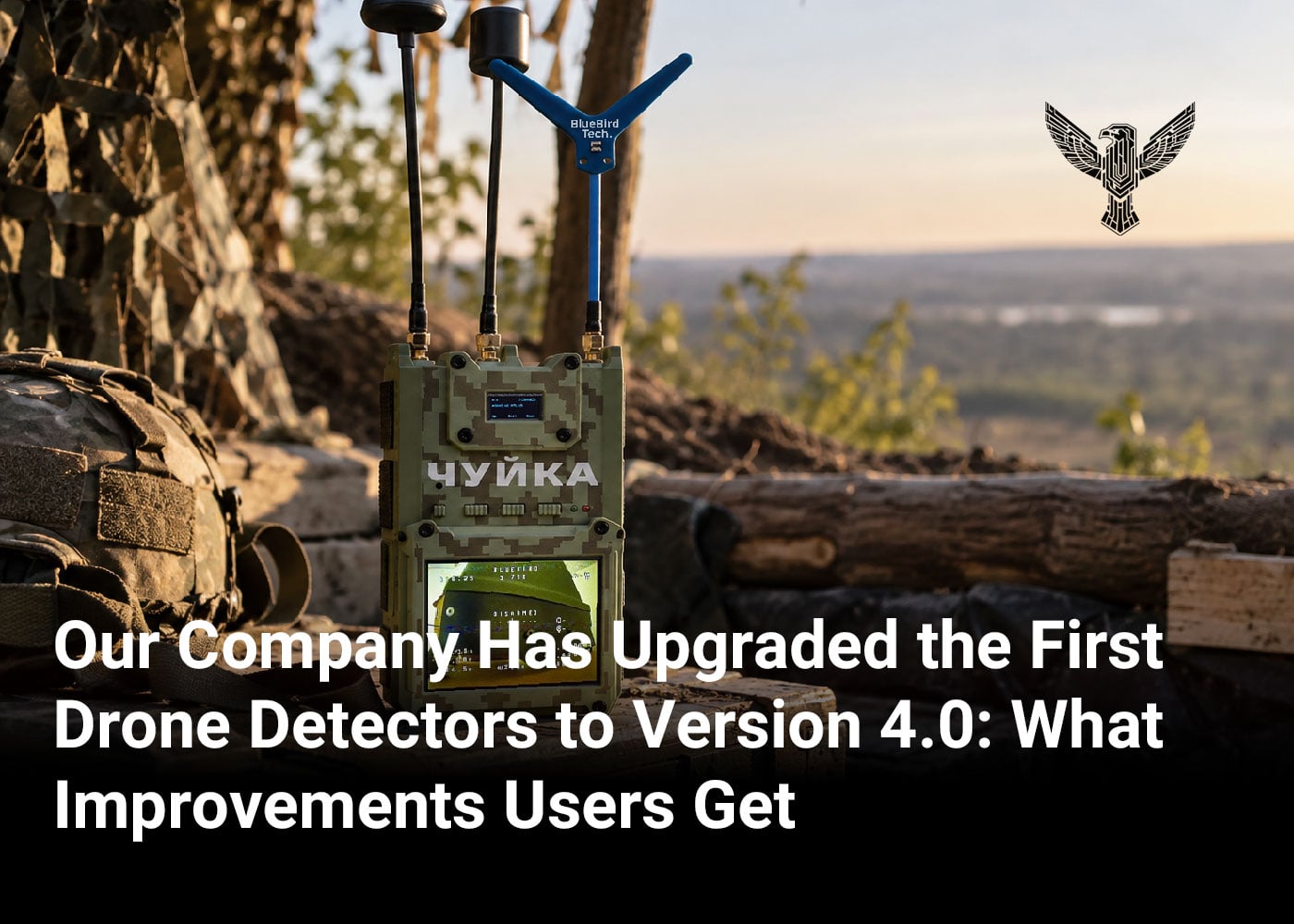
BlueBird Tech has completed the first upgrades of Chuyka 3.0 drone detectors to version 4.0 and returned the upgraded devices to their owners. During the initial stage, upgrading one device took up to two weeks. The process has now been streamlined, reducing the estimated upgrade time to seven business days.
After the upgrade, the detector receives a fourth antenna and an additional frequency band for detecting signals from enemy UAVs: 6–8.8 GHz. The 3.3 GHz band is also expanded. Instead of the previous 2870–4080 MHz range, the device operates across 2860–4500 MHz.
This service allows customers to upgrade the drone detector they already use instead of purchasing a new Chuyka 4.0. After the upgrade, the detector operates across four frequency bands rather than three, covers a broader frequency spectrum, and can detect a wider range of drones.
“BlueBird Tech enables users to expand the capabilities of the Chuyka 3.0 drone detector they already use without having to purchase a new device,” BlueBird Tech representatives said.
How the Chuyka 3.0 Drone Detector Changes After the Upgrade
The upgrade does not involve replacing the Chuyka 3.0 with a new device. The user sends their detector to the BlueBird Tech team, and the engineers upgrade its hardware.
The upgrade includes:
- an additional module for the new frequency band;
- a corresponding antenna;
- an upgraded 3.3 GHz module;
- an upgraded 3.3 GHz antenna;
- an additional power supply unit and extra cables.
The estimated upgrade time is up to seven business days.
Who Can Upgrade Their Chuyka 3.0
The upgrade is currently available for Chuyka 3.0 detectors purchased from April 2026 onward and running firmware version 1.3.8. BlueBird Tech engineers are working to make the upgrade available for other hardware versions of the device.
How to Upgrade the Chuyka 3.0 Drone Detector
Users can register for the upgrade through the BlueBird Tech mobile app or by contacting the company’s managers.
In the BlueBird Tech app:
- Open the Chuyka widget and select “Upgrade Your Chuyka”;
- Tap “Upgrade Chuyka”;
- Enter the device serial number shown on the back of the detector;
- Wait for the device and board version to be verified;
- If the Chuyka 3.0 is eligible for the upgrade, enter your name and phone number;
- Your request will then be added to the upgrade queue.