


Request
Via the BlueBird Tech app, a sales manager or the service department. Provide the serial number and board version.


We upgrade your device rather than replacing it: more bands, new modules and antennas. Choose your board version and model to see what changes and the limitations right away.We upgrade your device rather than replacing it. Choose your board version and model to see the changes and limitations.
Upgrade builder
Choose your board version and model — the changes and limitations will appear on the right.
Where to check: Menu → Version Info → Hard
Requests are accepted via the BlueBird Tech app, a sales manager or the service department. You will need the serial number and board version.
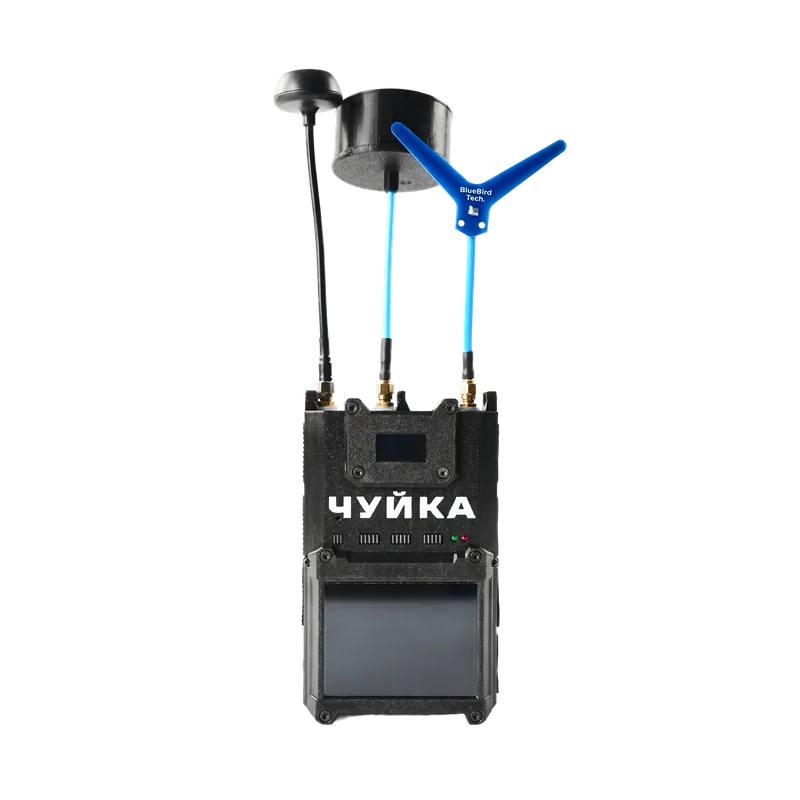
Your upgrade
Our service team will check compatibility with your board version by serial number before adding you to the queue.
We upgrade your device rather than replacing it
A manager will contact you within a few hours
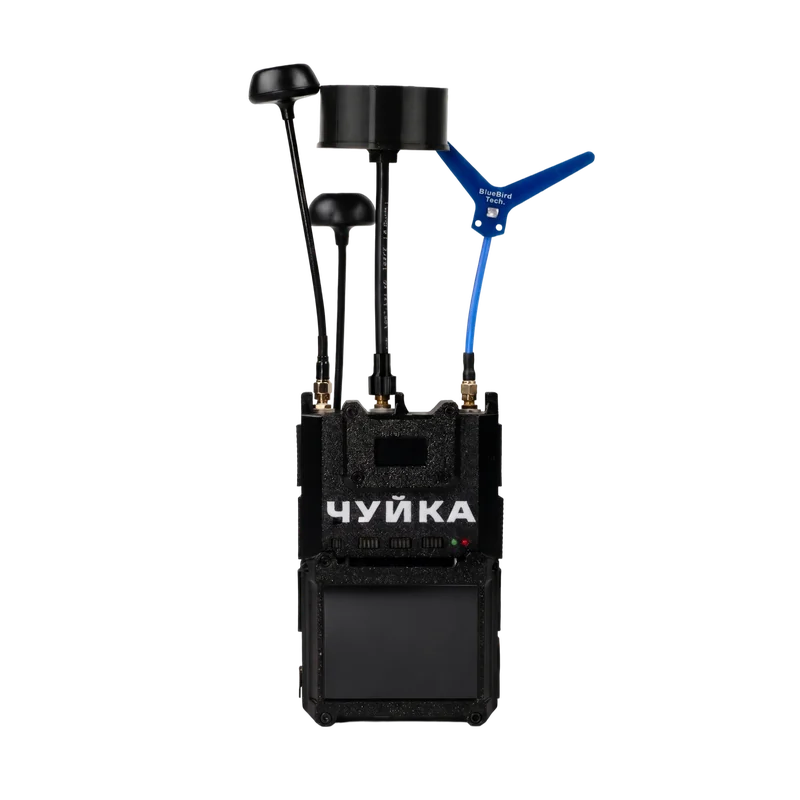
Your upgrade
Our service team will check compatibility with your board version by serial number before adding you to the queue.
The 3.0 mount, holder and pouch will not fit. The external antenna can be upgraded ↓
We upgrade your device: same functions and appearance as a factory 4.0
A manager will contact you within a few hours
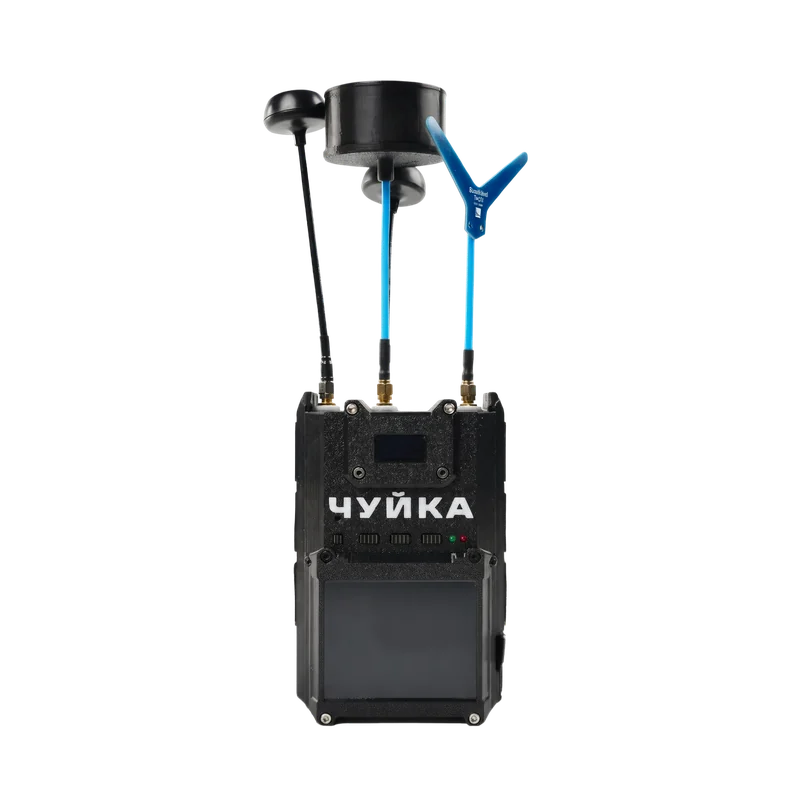
Your upgrade
Our service team will check compatibility with your board version by serial number before adding you to the queue.
The 3.0 external antenna will not fit — it can be upgraded ↓
A manager will contact you within a few hours
Board 1.3.5
The upgrade to 4.0 is currently possible only for board 1.3.8. Compatibility for the other models is being confirmed.
Add the serial number to your request — our service team will check compatibility before adding you to the queue.
Our service team will check compatibility by serial number
How to check your board version
Can’t find it? Add the serial number to your request — our service team will check compatibility before adding you to the queue.
You can skip the board version — our service team will check compatibility
How it works
For now you only pay for the device. The upgrade is invoiced when your turn in the queue comes.
Via the BlueBird Tech app, a sales manager or the service department. Provide the serial number and board version.
The service team checks compatibility and adds your request to a single queue. You can see your place in the queue in the app.
When your turn comes, a manager agrees the terms and issues a separate invoice for the upgrade.
You hand the device over to BlueBird Tech and get your “Chuyka” back, upgraded to the selected model.
Don’t have a “Chuyka” yet?Buy the “Chuyka 3.0” — use it as soon as you receive it and join the upgrade queue.
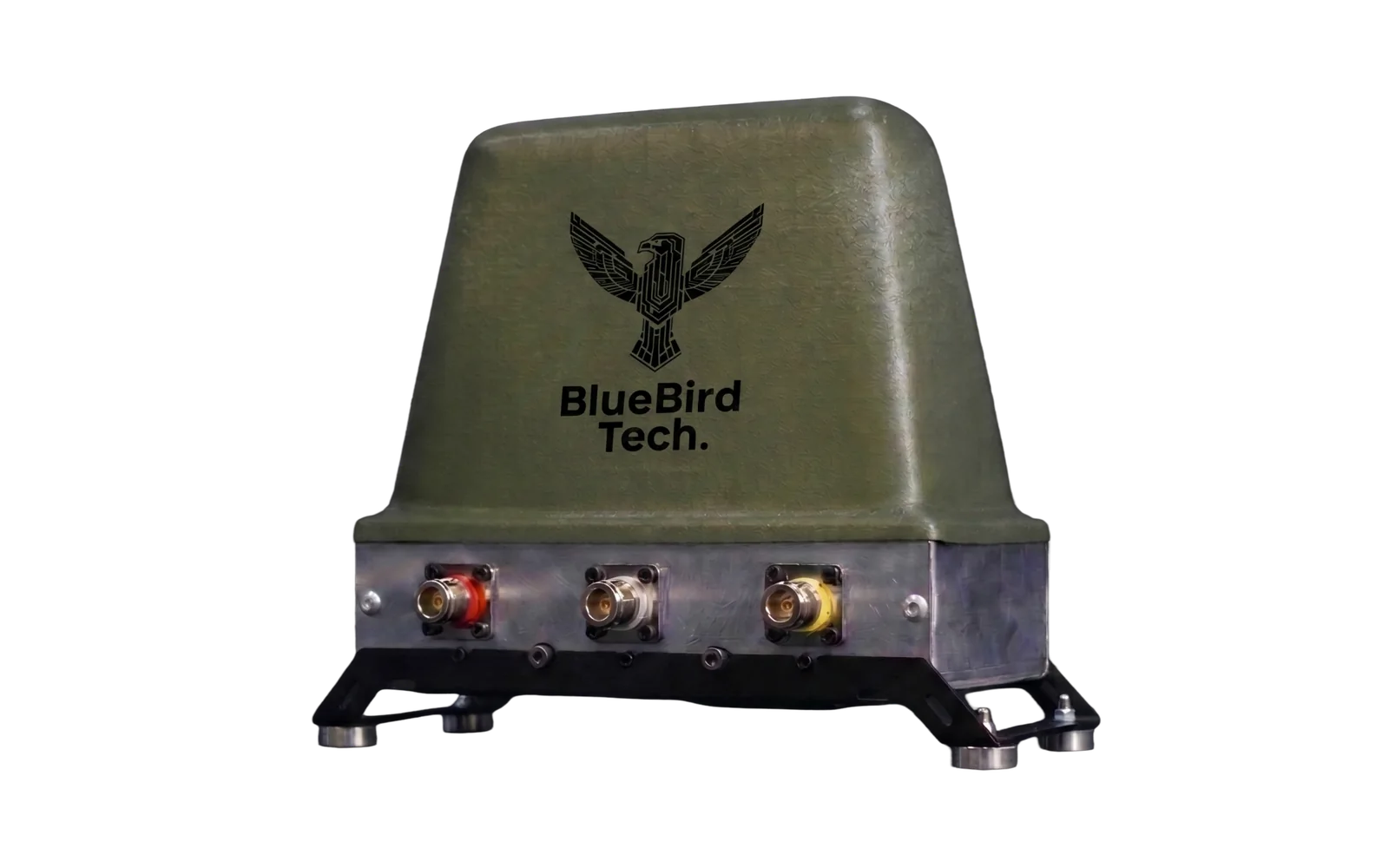
For upgrades to 4.0 and 4.5.0
After an upgrade to 4.0 or 4.5.0, the “Chuyka 3.0” external antenna no longer fits the device. Upgrade it — the antenna gets a fourth band and works with your “Chuyka” again.
Honest about limitations
The device is not replaced during the upgrade — we upgrade your “Chuyka” to the level of the selected model.
Same functions as the factory model: bands, module, antenna, power
After an upgrade to 4.0, the 3.0 mount, holder and pouch will not fit
The external antenna can be upgraded to 4 bands
Modified mounts, holders and pouches are not available yet
FAQ
Answers about the board version, pricing, the queue and accessories.
Turn on your “Chuyka” and open Menu → Version Info → Hard. If that doesn’t work, add the serial number to your request: our service team will check compatibility before adding you to the queue.
The board version determines which modules can be installed. The upgrade to 4.0 is currently possible only for board 1.3.8. For board 1.3.5, the service team confirms compatibility with 3 plus and 4.5.0 by serial number.
The price depends on the model and board version — a manager will confirm it after checking compatibility.
No. For now you only pay for the device. A manager issues a separate invoice for the upgrade when your turn in the queue comes.
Yes. You hand the device over to BlueBird Tech only when your turn comes — until then you use it as usual.
No. Your device is not replaced during the upgrade — it is upgraded to the level of the selected model.
After an upgrade to 4.0, the 3.0 mount, holder and pouch will not fit — modified ones are not available yet. The external antenna can be upgraded to 4 bands.
Use the “Request an upgrade” button on this page, the BlueBird Tech app, a sales manager or the service department. You will need the serial number and board version. You can see your place in the queue in the app.
Увійдіть тим самим акаунтом, що й у застосунку Чуйка та програмі Blue Coins.


