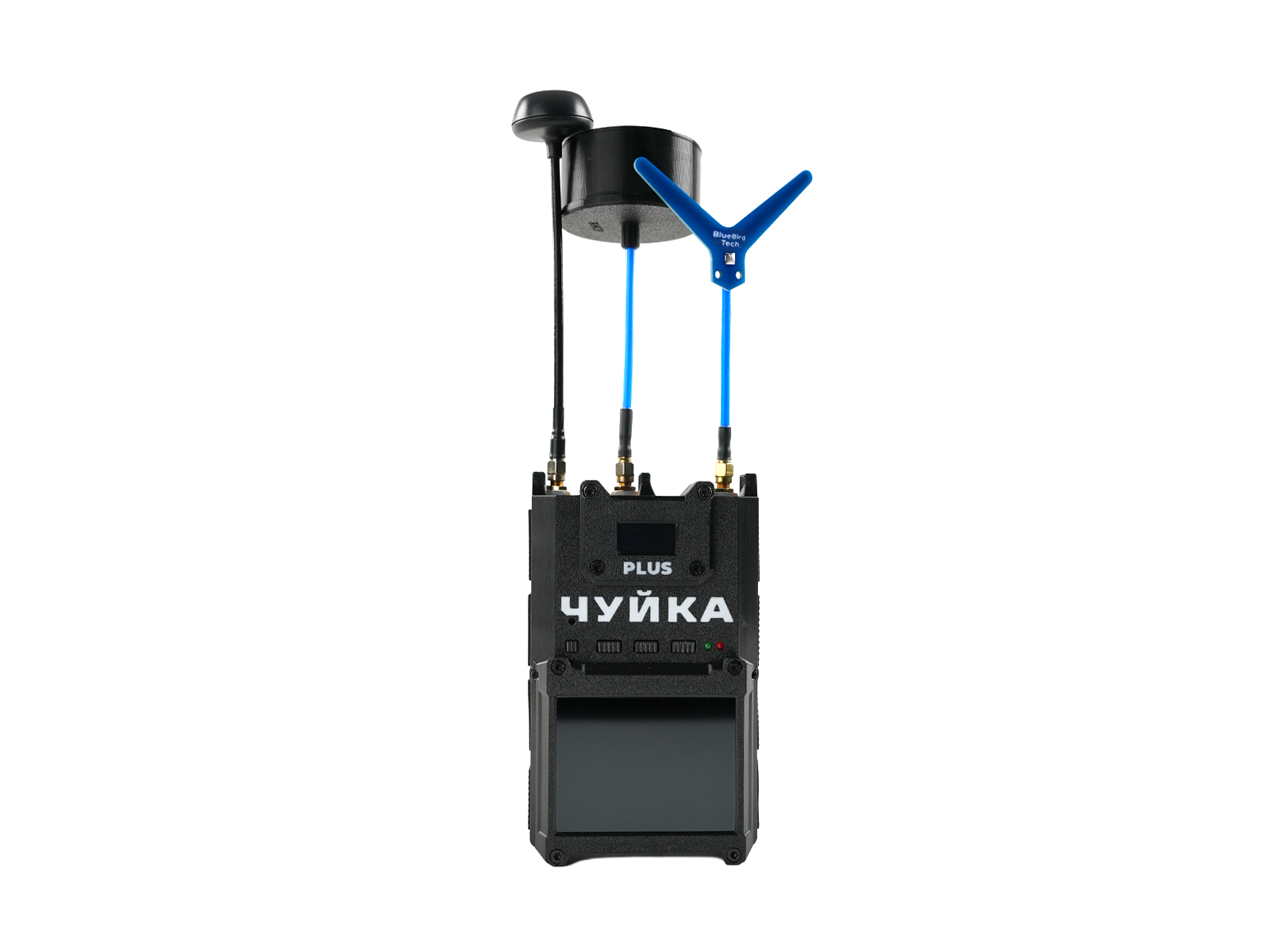
Chuyka 3 Plus
Download the manual to learn how to prepare the Chuyka 3 Plus for operation, connect the device, use its main operating modes and follow the recommendations for safe use.
The device housing has an IP54 protection rating. If you suspect that moisture has entered the device or if it is operating erratically, switch it off and contact the BlueBird Tech service centre.
This is not recommended. The IP54 protection rating does not mean that the device is completely waterproof. Do not immerse the device in water or wash it with a powerful water jet.
Check the housing, antennas, screens and connectors for damage. If you detect any damage or the device is operating erratically, contact the service centre.
Using the device with a damaged housing without first having it inspected is not recommended. Contact the BlueBird Tech service centre for diagnostics.
Operating the device with damaged antennas is prohibited. The damaged component must be replaced before the device is used again.
Switch off the device and reinstall the antennas according to the markings. Make sure that all connections are securely fastened.
Yes, provided that a compatible power source is used. Fast charging requires both a charger and a cable that support the QC protocol.
Use a compatible charger and cable that support QC. Both components must support this protocol for fast charging.
Check the USB Type-C cable and the charger. If charging does not resume, contact the BlueBird Tech service centre.
This warning indicates that the battery charge is low. Connect the device to a compatible charger.
The device automatically enters sleep mode when the battery voltage reaches a critically low level. Charge the device to resume operation.
Check the battery charge level. After use, the device must be switched off completely using the power switch on the housing.
After start-up, the device automatically performs calibration and adapts to the current radio-frequency environment. Scanning begins automatically once this process is complete.
Not necessarily. The alerts may be caused by other radio signals or false detections. Check the detected channels in Monitor mode and review the sensitivity settings.
Yes. Press Mute. The device will continue operating, and the visual indication will remain active.
A indicates the automatic detection threshold adjustment mode, V indicates a response to signals with characteristics of analogue video, and X/D indicates that the frequency band is disabled.
Yes. While video is being viewed, the corresponding frequency band is not scanned. To detect new channels, return to scanning mode and then reopen Monitor.
The channel is added to the blacklist for 10 minutes. Adding it again extends this period by another 10 minutes. While the channel is blocked, the device does not produce audible or visual alerts for it.
Open Menu → Settings → Factory Default. After the reset, select the required operating mode.
Yes. The device supports OTA updates. Create a hotspot named update with the password update123, then open the corresponding section of the device menu.
Yes. Use the Switch Firmware function to switch between saved software versions.
Yes. The device supports connection to the mobile application. Connection settings are available in the Connections section.
Yes, provided that the appropriate video output is available. The device can transmit intercepted analogue video to a compatible external screen or another display device.
Yes. A universal vehicle mount is available for this model, allowing the position of the device to be adjusted.
Sign in with the same account you use in the Chuyka app and the Blue Coins program.